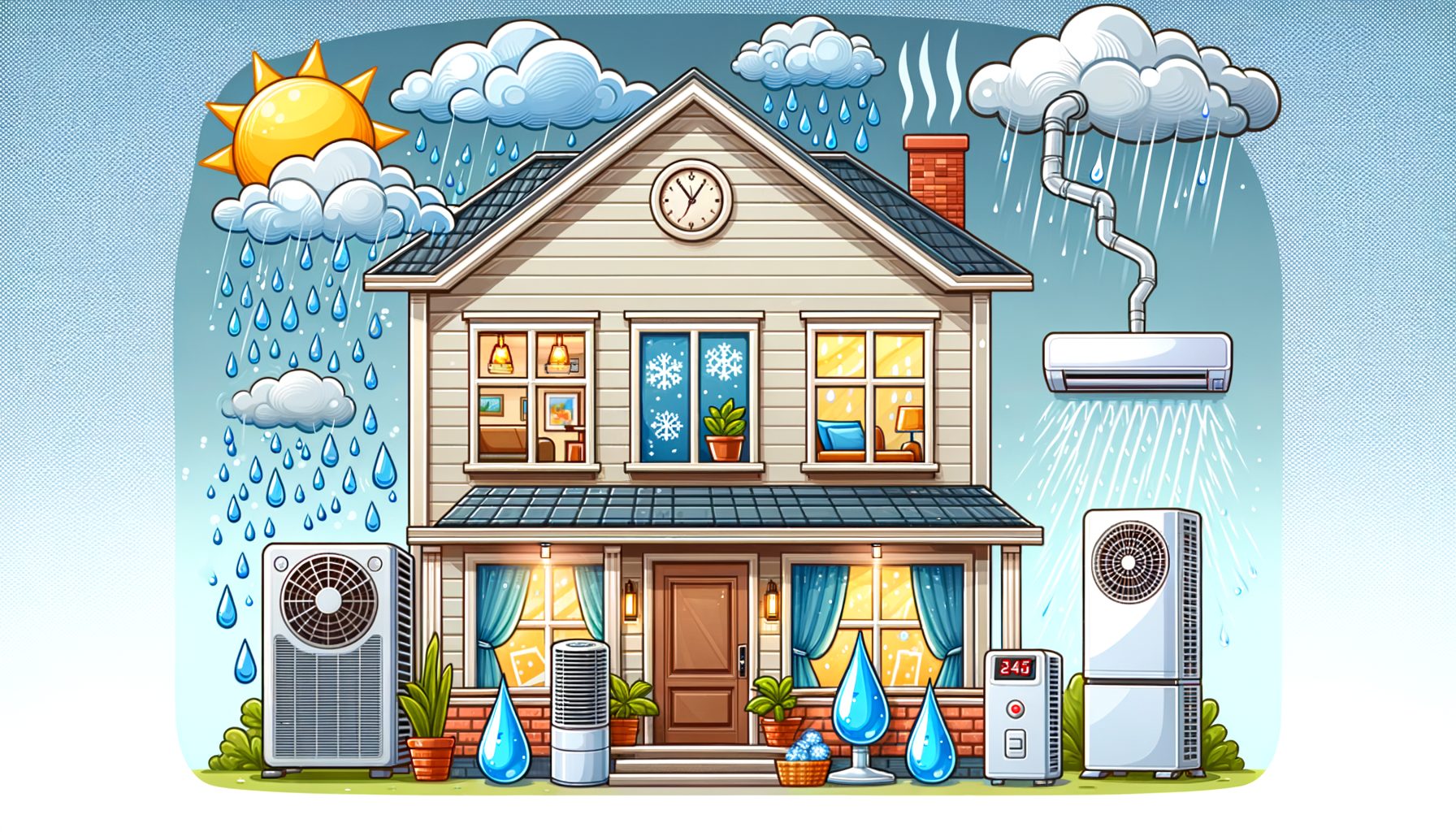
The rainy season ushers in cooler air outdoors, yet it also loads the atmosphere with moisture that makes rooms feel sticky, musty, and uncomfortable. Many people run their AC more often and still end up “cold but clammy.” In this guide, you’ll learn how to tune rainy-season AC settings for efficient cooling and strong humidity control so you stay comfortable, protect against mold, and keep energy bills reasonable. Expect practical steps, real-world examples, and expert-backed tips that work anywhere.
Why AC feels “cold but clammy” during the rainy season
Moisture—not just temperature—is the core issue. Humid outdoor air sneaks in through door gaps, window frames, vents, and every time someone comes and goes. Indoors, that extra moisture nudges relative humidity (RH) above 60%, which makes surfaces feel damp, slows fabric drying, and encourages odors. Your AC can drop temperature quickly, but if it fails to remove enough water from the air, you get the clammy effect: sweat can’t evaporate efficiently, and comfort suffers at the same temperature.
From a technical angle, an AC handles sensible heat (what a thermometer shows) and latent heat (moisture removal). During rainy weather, the latent load climbs. When a system is oversized, short cycling often occurs—air gets cooled fast, but the compressor doesn’t run long enough for the coil to condense and drain much moisture. Running the fan at maximum speed can re-entrain water from the coil back into the room, raising RH. That’s why your room can read 24°C (75°F) and still feel muggy.
Another key factor is dew point—the temperature at which air becomes saturated and condensation forms. Rainy-season dew points outdoors often sit above 18°C (64°F), and in tropical climates may exceed 22°C (72°F). Bringing that air inside without adequate dehumidification increases the chance of condensation on cold surfaces like AC vents or single-pane windows. Over time, such conditions promote mold growth and dust mite activity. Health authorities recommend keeping RH between 30–50% (some regions 40–60%) to reduce these risks and improve comfort. A simple hygrometer (a small humidity meter) lets you monitor conditions in real time and decide when to ventilate or change modes more intelligently.
Balance is the goal. Aim for a steady indoor temperature with RH hovering around 45–55%, rather than the lowest possible temperature. You’ll protect furniture and electronics, support respiratory health, and maintain a fresh, non-musty living space.
| Indoor RH | How it feels | Mold/Dust Mite Risk | Quick Tip |
|---|---|---|---|
| 30–40% | Dry, crisp; may feel cool at lower temps | Low mold risk; very low dust mite activity | Increase setpoint 1–2°C to avoid over-drying |
| 40–55% | Comfortable for most people | Low risk when maintained | Ideal target range in rainy season |
| 55–60% | Slightly humid; some stickiness | Risk rises if sustained | Use Dry mode, reduce fan speed, close leaks |
| >60% | Muggy, musty risk, slower drying | Higher mold risk with 24–48h exposure | Prioritize dehumidification and ventilation strategy |
For more on humidity and mold basics, see guidance from the U.S. EPA: epa.gov/mold.
Settings that work: thermostat, fan speed, and modes for efficient cooling and humidity control
Start by measuring. Place a low-cost digital hygrometer in the main room and bedroom. The target: 45–55% RH and a steady temperature. In many homes, 24–26°C (75–78°F) feels great once humidity is controlled. Raise the setpoint by 1–2°C when RH is lower and you’ll often save energy without losing comfort.
Pick the right mode at the right time. Many modern ACs include a “Dry” or “Dehumidify” mode that cycles the compressor and adjusts fan speed to encourage condensation on the coil. Dry mode shines when the room is near your desired temperature but RH is high—think evenings after rain when it’s cool yet damp outside. Switch back to “Cool” mode if temperature climbs and you need steady cooling plus dehumidification. If you have “Eco” or an inverter setting, enable it; inverter compressors modulate capacity and typically remove more moisture by running longer at lower power.
Fan settings make a real difference. Choose “Auto,” not “On,” so the fan shuts off with the compressor and doesn’t blow moisture off the coil back into the room. During very humid periods, keep the fan at medium or low to increase time over the cold coil, improving moisture removal. After RH drops into your target range, bump fan speed up for better air mixing.
Oversizing invites short cycling, so be alert. If a small room cools too quickly, dehumidification may lag behind. In that case, favor Dry mode, reduce fan speed, and try a slightly higher temperature setpoint. If your unit offers a “follow me” remote sensor, place it near where you sit or sleep to avoid overshooting.
More steps multiply your results. Keep windows and doors shut during high-humidity periods. Seal obvious gaps around frames with temporary weatherstripping. Then this: use curtains or blinds to cut solar gain so the AC doesn’t have to work as hard. When cooking or showering, run exhaust fans to vent steam outside. If your AC struggles to dehumidify and RH sits above 60%, add a standalone dehumidifier set to 50–55% RH. In small bedrooms or closets, a compact desiccant dehumidifier can be quieter and effective at cooler temperatures.
Want deeper guidance on comfort targets? Review global comfort ranges in ASHRAE Standard 55: ashrae.org, and consumer energy tips at energystar.gov.
Smart ventilation, filtration, and mold prevention in monsoon weather
Ventilation matters for indoor air quality, but timing matters more in the rainy season. The key variable is dew point. If the outdoor dew point is lower than your indoor dew point, outside air can help dry the space; if it’s higher, you’ll add moisture instead. No special tool is required—most weather apps list outdoor dew point. Many indoor hygrometers show temperature and RH; you can estimate indoor dew point online or use a smart monitor that calculates it automatically. As a rule of thumb, if the air outside feels cool and crisp while your indoor RH is above 60%, ventilate briefly. If the air outdoors feels heavy and sticky, keep windows closed and rely on dehumidification.
Use spot ventilation without fail. Run the bathroom exhaust fan during and for 20 minutes after showers. Turn on the kitchen hood when boiling, simmering, or frying. Doing so prevents big humidity spikes that burden your AC. What’s interesting too: even drying clothes indoors can raise RH in small apartments; use a vented dryer or place a dehumidifier nearby during drying cycles.
Filtration helps as well. A clean filter improves airflow, efficiency, and moisture removal. During the rainy season, check filters every 2–4 weeks. If your system accepts higher-efficiency filters (e.g., MERV 8–13 for central systems), they capture more spores and fine dust common in damp weather. For room ACs, clean or replace washable screens per the manufacturer’s guidance. If odors linger, consider activated carbon filters to reduce smells; humidity control still does the heavy lifting.
Mold prevention blends moisture control with cleanliness. Keep RH near 45–55%. Fix leaks immediately. Wipe condensation on windows or other cold surfaces. Leave closets slightly open and avoid packing items against exterior walls, where moisture can get trapped. In high-risk corners, try moisture absorbers or small desiccant packs. Vacuum carpets and sofas weekly because dampness elevates allergen levels. If you see visible mold, tackle the moisture source first, then clean small areas with appropriate methods while protecting skin and lungs. Public health agencies consistently emphasize that only moisture control provides lasting results; see the CDC’s overview: cdc.gov/mold.
Finally, balance fresh air with energy efficiency. If your climate permits, ventilate during cooler, drier hours—often early morning after rain clears or late at night. In very humid regions, consider an energy or heat recovery ventilator (ERV/HRV) for controlled fresh air without big humidity penalties. Proper design and installation are required, yet indoor conditions can be stabilized year-round.
Rainy season AC maintenance and energy-saving checklist
Think of maintenance as your comfort and cost insurance. Start with the easiest task: filters. Clean or replace them every 2–4 weeks during the rainy season, or more often if you have pets or live near heavy traffic. Clogged filters reduce airflow, impair dehumidification, and strain the compressor, which increases energy use and noise. Next, inspect the indoor coil and blower wheel for dust and biofilm. If they look dirty or smell musty, schedule professional cleaning. A clean coil condenses more moisture and cools air faster.
Keep the condensate system flowing. A blocked drain line can cause leaks and re-evaporation that spike indoor humidity. Pour a small cup of mild vinegar solution (or a manufacturer-approved cleaner) into the drain access to discourage algae growth, and verify water is dripping from the outdoor drain while the unit runs. Check the outdoor unit too: clear leaves, plastic bags, and debris; maintain 30–60 cm of clearance for airflow. In heavy rains, ensure the unit isn’t sitting in pooled water and that its mounting is secure. Do not cover the unit while operating; it needs ventilation.
Seal air leaks to keep humid air out. Add weatherstripping to drafty doors and windows. Install a door sweep. Close unused fireplace dampers or vent flaps. These small upgrades keep conditioned air in and improve both comfort and efficiency. Indoors, close curtains on sun-exposed windows to reduce heat load. Use ceiling fans for a gentle breeze; doing so allows a 1–2°C higher setpoint with the same comfort because moving air improves sweat evaporation.
Match controls to your schedule. Program setpoints so the AC ramps up about 30 minutes before you return rather than running all day. Inverter units handle this gracefully. With a plug-in energy monitor, you can see how fan speed, Dry mode, or a 1°C change affects kWh. Many households discover that a small setpoint increase paired with Dry mode cuts energy use and boosts comfort.
Consider a dehumidifier if RH remains high. Set it to 50–55% and place it where air circulates well (not in a tight corner). Empty the bucket frequently or attach a drain hose if possible. ENERGY STAR-certified models often remove more moisture per kWh; see energystar.gov/products/dehumidifiers for guidance. For closets and small rooms, desiccant dehumidifiers can be effective in cooler temperatures. Then this: protect your investment. Rainy-season storms can bring voltage fluctuations. If surges are common where you live, using a surge protector or voltage stabilizer recommended by your manufacturer can prevent damage.
Q&A: Common rainy season AC questions
Q: Should I use Dry mode or Cool mode?
A: Choose Dry mode when the temperature feels fine but the air is humid (RH above ~55%). Use Cool mode when you need sustained cooling and humidity control together. Many people alternate—Dry mode in the evening, Cool mode mid-day.
Q: What humidity level should I aim for?
A: Target 45–55% RH. Keeping RH below 60% over time helps prevent mold growth, as health agencies note. Individual comfort varies, but this range suits most households.
Q: My room smells musty. Can AC fix it?
A: AC helps by lowering humidity, but odors often come from damp materials or a dirty coil/drain. Keep RH in check, ventilate strategically, and clean filters and coils. Activated carbon filters can reduce smells, yet moisture control is essential.
Q: Is it okay to open windows when it rains?
A: Open windows only when outdoor air is drier (lower dew point) than indoors. If outside feels sticky, keep windows closed and use Dry mode or a dehumidifier. Run exhaust fans during showers and cooking to manage indoor moisture.
Q: Do ceiling fans reduce humidity?
A: Fans don’t remove moisture, but they improve comfort by speeding evaporation from skin. That lets you raise the AC setpoint 1–2°C while feeling just as cool, saving energy.
Conclusion: Take control of comfort and costs this rainy season
Well, here it is: the bottom line. Rainy-season comfort is a humidity problem first and a temperature problem second. If you measure RH, pick the right AC modes, and ventilate at the right times, your home will feel fresher, drier, and calmer—even when storms roll in. You now know how to avoid the “cold but clammy” effect by balancing sensible and latent cooling, why a 24–26°C setpoint with a 45–55% RH target works, and how Auto fan, Dry mode, and inverter operation help. We also covered dew point–based ventilation, mold prevention tactics, and a maintenance checklist that safeguards both your unit and your wallet.
Make this your simple action plan today: put a hygrometer where you spend the most time; set your AC to 24–26°C with Auto fan; run Dry mode until RH reaches 50–55%; use bathroom and kitchen exhausts during moisture-heavy tasks; clean filters this week; and confirm that the condensate drains freely. If RH sits above 60% for days, add a dehumidifier or book professional AC service. These steps will stabilize your indoor climate, protect your health, and reduce surprise repair costs.
Now it’s your turn. Take 10 minutes to adjust your settings and note your indoor RH. Small changes compound into big comfort gains, and your future self—breathing easier in a fresh, cool room—will thank you. Start today, track what works, and keep improving. Comfort is a system you can control, even in the wettest weather. Which setting will you change first?
Sources and further reading:
• EPA Mold resources: https://www.epa.gov/mold
• CDC Mold overview: https://www.cdc.gov/mold
• ENERGY STAR Dehumidifiers: https://www.energystar.gov/products/dehumidifiers
• ASHRAE Standard 55 (thermal comfort): https://www.ashrae.org/technical-resources/bookstore/standard-55
• WHO Ventilation and indoor air quality guidance: https://www.who.int/teams/environment-climate-change-and-health/air-quality-and-health/indoor-air-quality